
To keep informed quickly of system announcements, please follow these steps to set your preferences in the Announcements area of the Freshdesk Forum, as well as our Status Page.
Status Page announcements
The status page will be updated to alert you of any system issues, as well as maintenance and release windows and updates.
1. Go to our status page https://status.peak15systems.com/ and click Subscribe to Updates
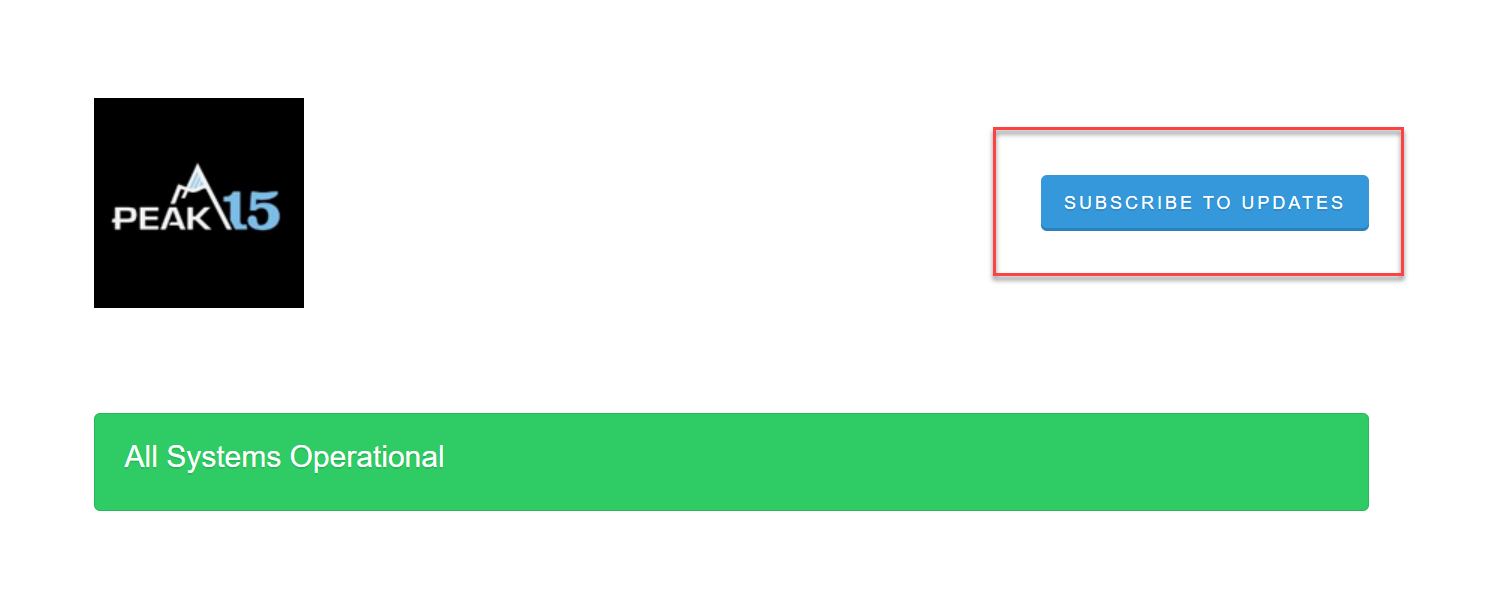
2. Enter your email address.
3. You will receive an email to confirm (please check spam as well). Click "Confirm subscription":
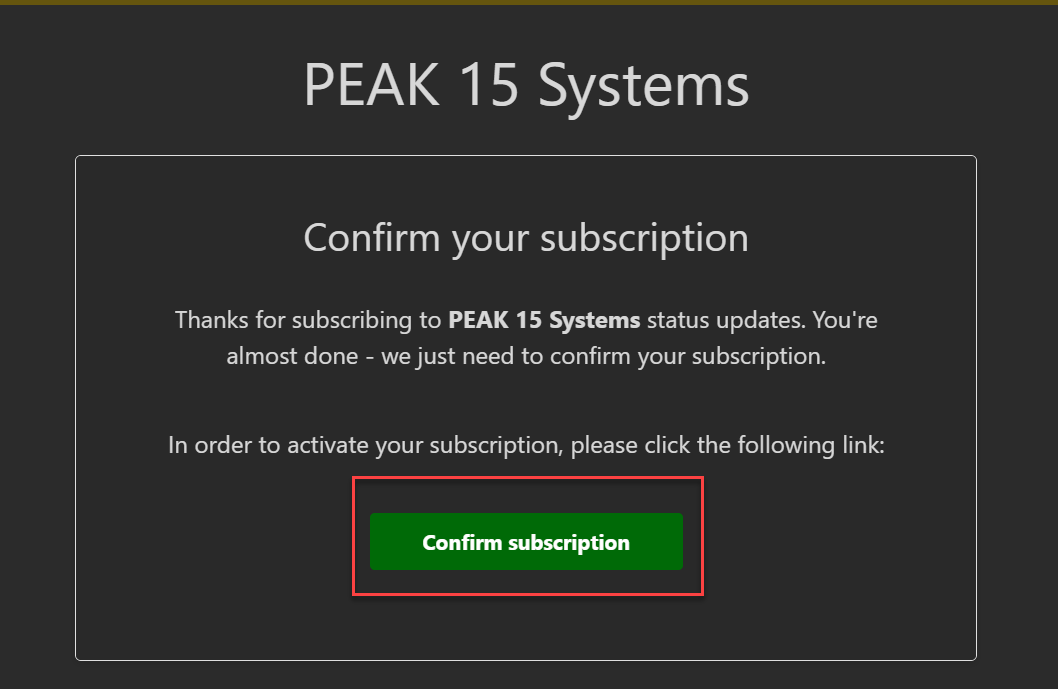
You will now receive updates posted to our status page.
Freshdesk announcements
Freshdesk announcements will be updated for urgent notifications regarding system issues, but also release notes and Support desk closures, such as for holidays.
1. Sign into Freshdesk https://peak15.freshdesk.com/ and select Forums

2. Select Announcements

3. Select Follow (this will notify you when any new Announcements are made to this area)

4. To be notified of individual announcement topics when they are updated be sure to open the announcement and also select Follow there.

This puts you in control of the topic updates that are important to you.
When you select Follow, the button will change to Following. You can always select it again to turn off any new notifications.
Please note that just because you follow the announcements area does not mean all topics are set to follow. You must open each of them to set that preference.